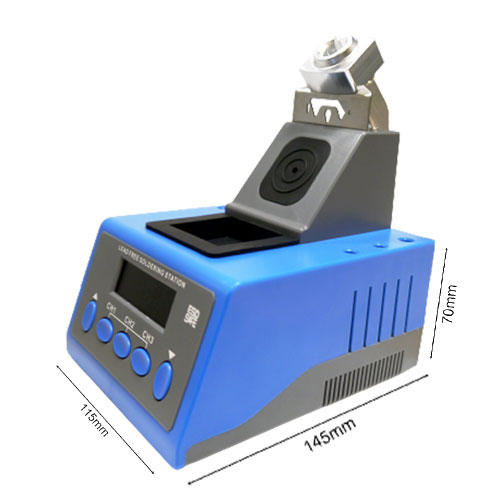
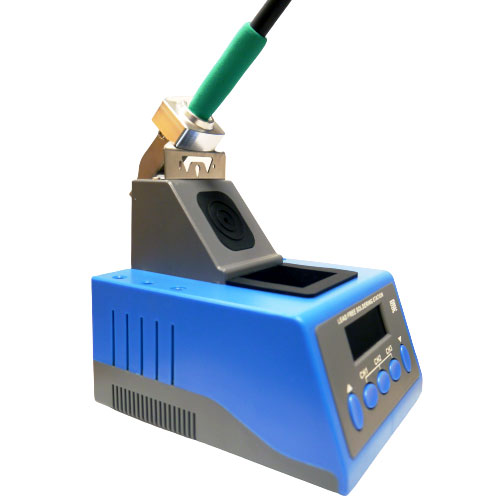
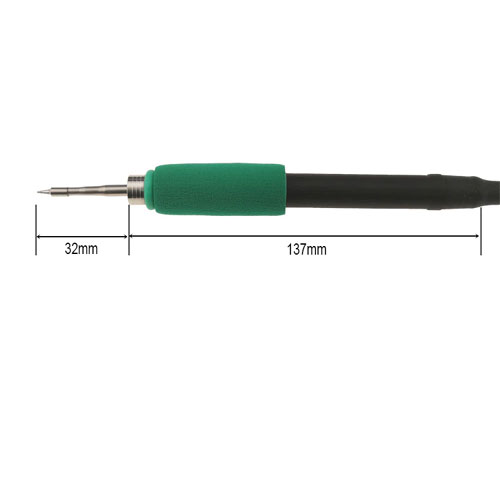
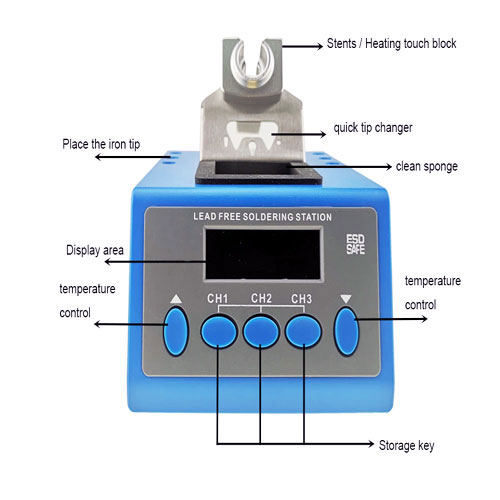
ESD SAFE C210 Soldering Station Smart Controller Digital Auto Sleep Soldering iron For JBC-210 Tips
Product Features :-
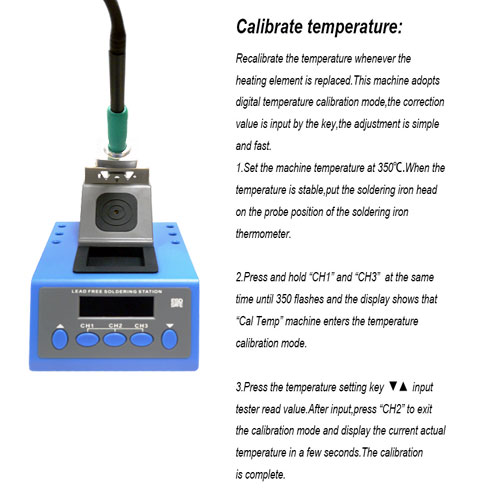
Recalibrate the temperature whenever the heating element is replaced.This machine adopts digital temperature calibration mode,the correction value is input by the key,the adjustment is simple and fast.
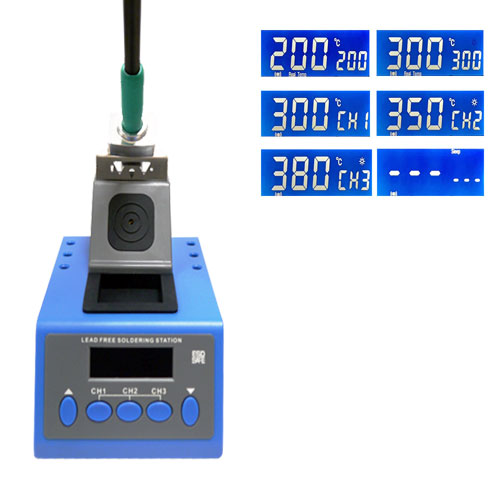
Set the machine temperature at 350℃.When the temperature is stable,put the soldering iron head on the probe position of the soldering iron thermometer.
Press and hold “CH1” and “CH3” at the same time until 350 flashes and the display shows that “Cal Temp” machine enters the temperature calibration mode.
Press the temperature setting key input tester read value.After input,press “CH2” to exit the calibration mode and display the current actual temperature in a few seconds.The calibration is complete.